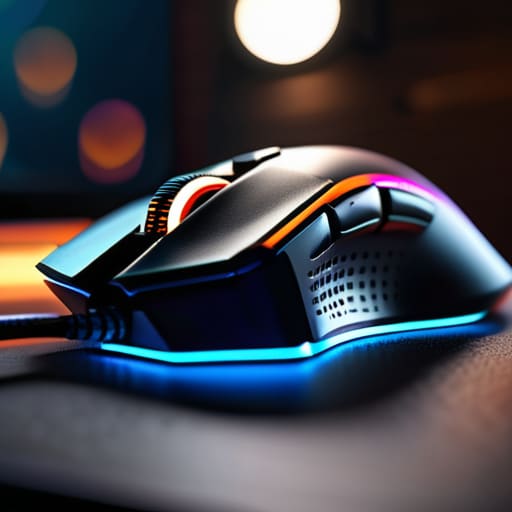
I was sitting at my workbench last Tuesday, cleaning the oxidation off some vintage vacuum tubes, when I saw another advertisement for a “professional-grade” peripheral that cost more than my first car. It was covered in enough neon lights to signal a landing strip, yet the actual build quality looked like it would snap if you breathed on it too hard. It’s the same story every single year: companies try to bury you under a mountain of useless gaming mouse features just to justify a premium price tag. They’ll talk your ear off about proprietary software and millisecond polling rates, but they rarely mention if the plastic feels cheap or if the switches will fail after three months of heavy use.
I’m not here to sell you on the latest neon-soaked gimmick or help you chase numbers that don’t actually translate to better performance. My goal is to strip away the marketing fluff and look at the mechanical reality of what you’re holding in your hand. I’m going to break down which features actually improve your precision and which ones are just expensive plastic designed to drain your wallet. If it doesn’t improve reliability or ergonomics, I’ll tell you straight.
Table of Contents
Optical vs Laser Sensors Dont Get Tricked by Marketing
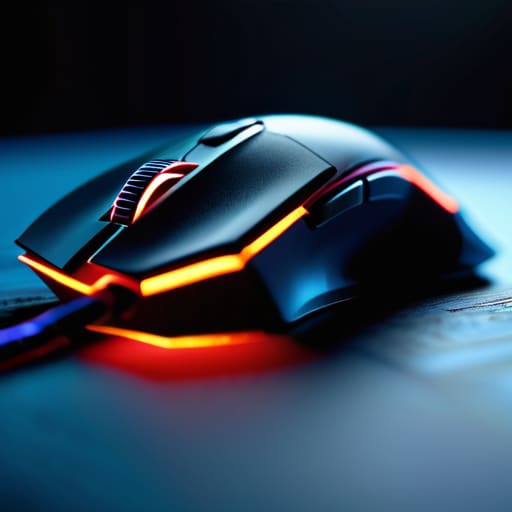
When you’re scrolling through a product page, you’ll see manufacturers throwing around terms like “high-precision laser” as if it’s the gold standard. Don’t fall for it. In my experience, most of that is just window dressing to justify a higher price tag. In the real world, the debate of optical vs laser sensors usually comes down to one thing: reliability. Laser sensors are designed to work on almost any surface, including glass, which sounds great on paper. However, they are notoriously prone to “jitter”—tiny, unpredictable movements that can ruin your precision when you’re trying to do something delicate.
I’ve always preferred a high-quality optical sensor. They might require a decent mousepad to perform their best, but the tracking is consistent and predictable. You want a sensor that follows your hand exactly, not one that tries to be “smart” and ends up overshooting the mark. If a company won’t tell you the specific sensor model they’re using, they’re likely hiding a mediocre component behind a flashy marketing campaign. Stick to optical if you actually care about how the tool performs under pressure.
Mechanical vs Optical Switches Finding Real Reliability
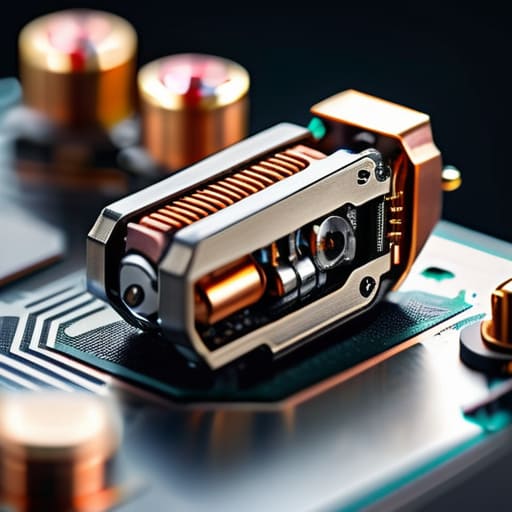
Now, let’s talk about what’s happening under the hood, specifically the switches. In my engineering days, we lived and died by the reliability of a physical connection. For years, that meant mechanical switches—little metal contacts that physically touch to complete a circuit. They feel great, but they have a fatal flaw: oxidation and debris. Eventually, you’ll get a “double-click” issue where the mouse registers two presses instead of one. It’s a design flaw that turns a perfectly good piece of gear into an expensive paperweight.
This is where the debate of mechanical vs optical switches becomes critical for your wallet. Optical switches don’t rely on physical contact; they use a beam of light to register a click. Because there’s no metal hitting metal, there’s no wear and tear from friction or electrical arcing. If you want a device that lasts more than a year of heavy use, go with the optical option. It might feel slightly different at first, but I’d rather have a tool that works consistently than one that relies on a finicky piece of copper.
5 Things to Look for Before You Open Your Wallet
- Check the cable flexibility. I’ve seen too many “pro” mice with cables as stiff as a piece of rebar; you want a braided cable that feels supple, otherwise, you’ll be fighting the wire more than your opponent.
- Ignore the DPI numbers on the box. Any marketing department can claim a million DPI, but that’s nonsense. Focus on whether the sensor is consistent and if the weight feels balanced in your hand, not how high the number goes.
- Test the button tension. A mouse shouldn’t feel like you’re clicking through a bowl of oatmeal, nor should it require a sledgehammer to actuate. It needs to be crisp and repeatable every single time.
- Look for real weight control, not just “lightweight” gimmicks. If a mouse is too light, it feels like a cheap toy; if it’s too heavy, it’s a workout. Ideally, you want something with a solid internal build that doesn’t creak when you squeeze it.
- Avoid software-heavy nonsense. If a mouse requires a bloated, 500MB background program just to change your sensitivity, it’s poorly designed. You want “plug and play” reliability, not a digital headache.
The Bottom Line on Building Quality
Stop chasing high DPI numbers that you’ll never actually use; a stable, reliable sensor is worth more than a hundred extra points of marketing fluff.
Prioritize switch longevity and tactile feedback over flashy lights, because a mouse that double-clicks after three months is just a paperweight.
Look past the software and the RGB; if the build feels flimsy or the cable is stiff, it’s going to fail you when you need it most.
## The Truth About Modern Peripherals
“I don’t care if a mouse has sixteen programmable buttons and a rainbow light show; if the sensor jitters when you move fast and the plastic feels like it’ll snap under pressure, you haven’t bought a tool—you’ve bought an expensive paperweight.”
Roland Delacroix
Cutting Through the Noise
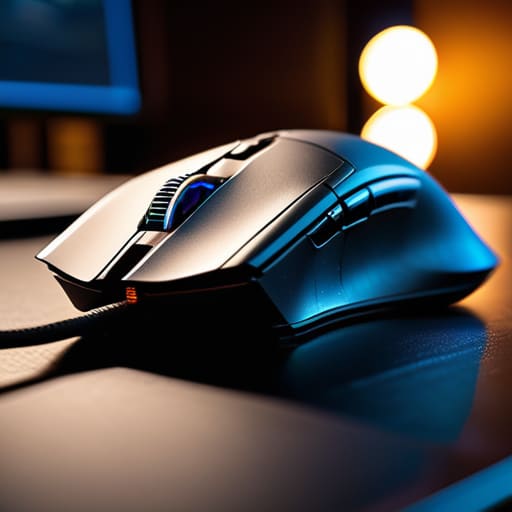
At the end of the day, picking a gaming mouse shouldn’t feel like you’re trying to decode a classified engineering manual. We’ve looked at why you should prioritize a solid optical sensor over a flashy laser one, and why those mechanical switches might actually be a liability if you want something that lasts more than six months. Stop letting the marketing departments convince you that more buttons or more colors equals better performance. Focus on the build quality and the sensor accuracy. If the weight feels off in your hand or the materials feel like cheap, hollow plastic, it doesn’t matter how many “extra features” they claim to have—it’s a bad investment.
My advice is simple: buy for reliability, not for the hype. You want a tool that works the same way on day one thousand as it did on day one. Don’t let the industry trick you into thinking you need the most expensive, over-engineered gadget on the shelf just to get an edge. A well-built, straightforward mouse that fits your grip and responds predictably will serve you far better than any light show. Invest your hard-earned money in hardware that respects your intelligence and your wallet. Now, go find something that actually works.
Frequently Asked Questions
How much do those fancy weight-tuning systems actually matter, or is it just more unnecessary complexity?
Look, I’ve spent enough time looking at blueprints to know that more moving parts usually means more points of failure. Most of these weight-tuning systems are just extra plastic shells and little metal slugs that end up rattling around inside your mouse. Unless you’re a professional player who needs to shave off every milligram, it’s overkill. I’d rather have a solid, fixed-weight mouse that feels substantial than a complicated mess that feels hollow.
Are programmable side buttons actually useful, or are they just extra points of failure waiting to happen?
Look, I’ve seen enough “innovative” designs fail because they added complexity without purpose. If you’re just clicking left and right, side buttons are nothing more than extra points of failure—more plastic to snap or get gummed up with dust. But, if you actually map them to essential commands, they can save your hand from repetitive strain. My advice? Only buy a mouse with them if you have a specific use for them. Otherwise, you’re just paying for clutter.
Does a higher DPI rating actually translate to better precision, or is it just a number they throw on the box to justify a higher price tag?
Look, let me save you some money right now: most of that high DPI number on the box is nothing but marketing fluff. If a manufacturer tells you they need 25,000 DPI to win, they’re selling you snake oil. For most people, anything over 1,600 or 3,200 is overkill. A higher number doesn’t mean more precision; it just means the sensor is more sensitive to tiny, jittery movements. Stick to what’s practical.
