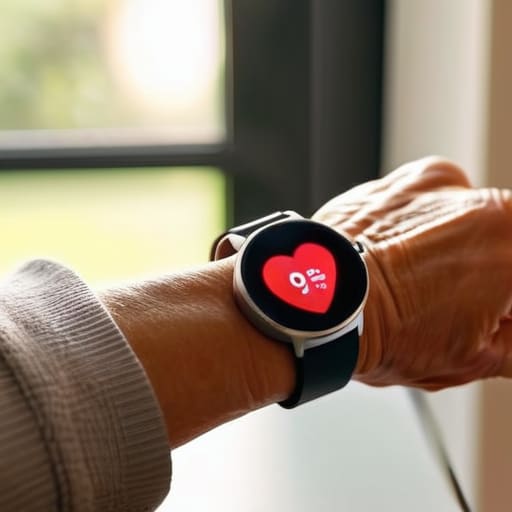
I was sitting in my workshop last Tuesday, tinkering with a Marantz receiver, when my neighbor stopped by to ask for help with his new wearable. He’d spent a small fortune on a piece of tech that looked more like a miniature computer than a timepiece, only to find himself staring at a screen so small and a menu system so convoluted that he couldn’t even figure out how to check his pulse. It’s the same old story: companies are selling you overpriced plastic and calling it innovation. When you’re looking for a smartwatch for seniors, you aren’t looking for a digital playground or a way to post status updates; you want a tool that does exactly what it says it will do without requiring a manual the size of a phone book.
I’m not here to sell you on the latest flashy trend or some gadget that will end up in a junk drawer by next month. My goal is to cut through the marketing nonsense and help you find a device that actually holds up to real-world use. I’ve spent my career looking at how things are built, and I’m going to apply that same scrutiny here. I’ll show you which models offer reliable health tracking and clear displays, and which ones are just expensive distractions designed to separate you from your hard-earned money.
Table of Contents
- Reliable Fall Detection Technology Without the Constant Glitches
- User Friendly Interface Wearables That Wont Drive You Mad
- Five Things to Check Before You Hand Over Your Credit Card
- The Bottom Line: What to Look for Before You Buy
- ## The Bottom Line on Wearable Tech
- The Bottom Line
- Frequently Asked Questions
Reliable Fall Detection Technology Without the Constant Glitches
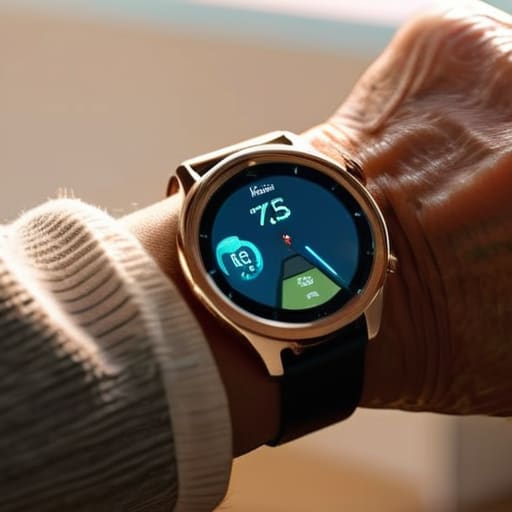
Now, let’s talk about the one feature that actually matters when things go wrong: fall detection technology. I’ve seen too many gadgets claim they can sense a tumble, only to have them trigger a false alarm because you sat down a bit too quickly on the sofa. That’s not just annoying; it’s a nuisance that leads people to turn the feature off entirely. You want a device with high-quality accelerometers—the kind of precision components I used to spec out in industrial machinery—that can actually distinguish between a heavy step and a genuine accident.
If the sensor is junk, the whole device is just an expensive bracelet. A reliable unit should be able to detect a hard impact and then give you a brief window to cancel the alert if it was a mistake. Beyond that, I look for seamless integration with emergency SOS features so that help is actually dispatched without you having to fumble with a tiny touchscreen while you’re disoriented. If the software is glitchy, the hardware doesn’t matter. You need something that works the first time, every time, without needing a reboot.
User Friendly Interface Wearables That Wont Drive You Mad
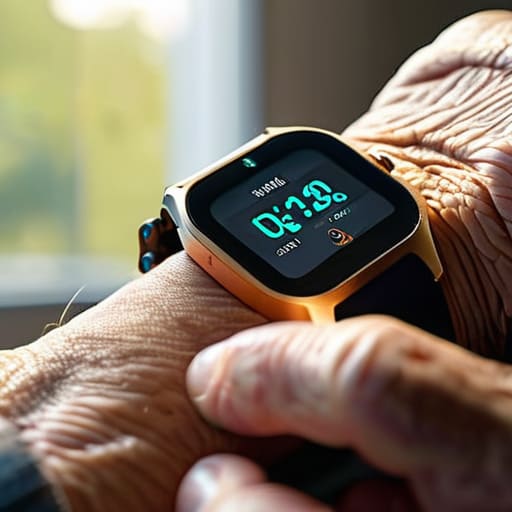
I’ve spent enough time troubleshooting poorly designed control panels in my engineering days to know that complexity is often just a mask for bad design. When you’re looking at user-friendly interface wearables, you shouldn’t have to squint at tiny icons or navigate through a labyrinth of sub-menus just to check the time. If a device requires a manual the size of a phone book just to set an alarm, it’s failed its primary purpose. I look for high-contrast displays and buttons that actually feel like they have a mechanical click, rather than these mushy touchscreens that don’t respond when your hands are a little dry or shaky.
The goal is simplicity, not a miniature computer strapped to your wrist. A decent device should prioritize the essentials—like clear heart rate monitoring for elderly users—without burying those stats under layers of useless “smart” notifications. You want a screen that is legible in direct sunlight and a menu system that makes sense at a glance. If you have to hunt for more than two taps to reach your emergency settings, the engineers didn’t think about the person actually using the tool. Keep it simple, or don’t buy it at all.
Five Things to Check Before You Hand Over Your Credit Card
- Look at the battery life, not the marketing fluff. If a company tells you a watch lasts “all day,” that’s a red flag. You want something that can sit on a charger for a few days at most, not something you have to plug in every single night like it’s a temperamental smartphone.
- Check the physical buttons. A touchscreen is fine for a teenager, but if you have any stiffness in your hands or if your skin is a bit drier, a glass screen can be a nightmare to navigate. I always look for a device that has at least one real, tactile button you can actually feel.
- Don’t get blinded by “smart” features you’ll never use. You don’t need a watch that can play music or answer emails if all you really want is to know your heart rate and stay safe. Every extra feature is just another potential point of failure and another way for the software to get confused.
- Verify the strap material. I’ve seen too many people buy a decent piece of tech only to realize the silicone strap irritates their skin or the buckle is too flimsy to stay secure. If it feels like cheap, thin plastic in the box, it’s going to break in three months.
- Make sure the emergency contacts are easy to set up. A fall detection feature is useless if the software makes it a chore to program the phone numbers of your kids or your doctor. If the setup process feels like a labyrinth, walk away from the device.
The Bottom Line: What to Look for Before You Buy
Prioritize build quality over fancy screens; a watch is useless if the strap snaps or the battery dies halfway through the day.
Don’t get distracted by “smart” features that add complexity without utility—if you can’t find the heart rate monitor in three seconds, it’s poorly designed.
Verify that the emergency features actually work with your specific phone and service provider before you commit your hard-earned money.
## The Bottom Line on Wearable Tech
“I’ve spent enough time looking at schematics to know that a gadget’s value isn’t found in its fancy screen or its dozen useless apps; it’s found in whether or not it actually does the one job you bought it for when things go wrong.”
Roland Delacroix
The Bottom Line
Look, I’m not interested in selling you on the latest shiny toy just because it has a million pixels and a fancy app. When you’re shopping for a smartwatch, you have to cut through the marketing noise and focus on the fundamentals: you need reliable fall detection that doesn’t trigger an alarm every time you reach for a coffee mug, and an interface that doesn’t require a PhD to navigate. If the battery dies in six hours or the screen is too small to read without a magnifying glass, it’s not a tool—it’s a nuisance. Stick to the brands that prioritize build quality and functional simplicity over unnecessary bells and whistles.
At the end of the day, technology should serve you, not the other way around. We spent our lives building things that were meant to last, and I think we should demand that same standard from the gadgets we wear on our wrists. Don’t let the tech industry convince you that “more features” equals “better value.” A good piece of gear should give you peace of mind and a bit of extra independence without becoming a source of frustration. Buy something that works every single time you put it on, and stop worrying about the rest.
Frequently Asked Questions
How long does the battery actually last before I’m stuck with a dead piece of plastic on my wrist?
Look, I’ve seen enough “cutting-edge” gear fail when it matters most to know that a dead battery is a useless battery. Most of these sleek watches will give you maybe twenty-four to forty-eight hours before they quit on you. If you’re using the GPS or constant heart monitoring, expect even less. Don’t buy into the marketing fluff; if you don’t want to be tethered to a charging cable every single night, look for something with a dedicated long-life battery.
Is the heart rate monitoring accurate enough to trust, or is it just another gimmick?
Look, let’s get one thing straight: a smartwatch is not a medical-grade EKG. If you’re looking for something to replace a doctor’s diagnostic tools, stop right there. However, for daily tracking, most reputable brands are quite solid. The trick is to look for optical sensors with decent build quality. If the strap is flimsy or the sensor is cheap plastic, your readings will jump around like crazy. Use it for trends, not for emergencies.
Can I set these things up myself, or am I going to need to call my grandkids every time there's a software update?
Look, I get it. The last thing you want is a piece of jewelry that requires a tech support ticket every Tuesday. Most of these modern watches are designed to be “plug and play,” but let’s be honest: the initial pairing can be a headache. If the manual is fifty pages of fine print, walk away. I look for devices with straightforward setup processes and automatic updates that happen in the background while you sleep.
