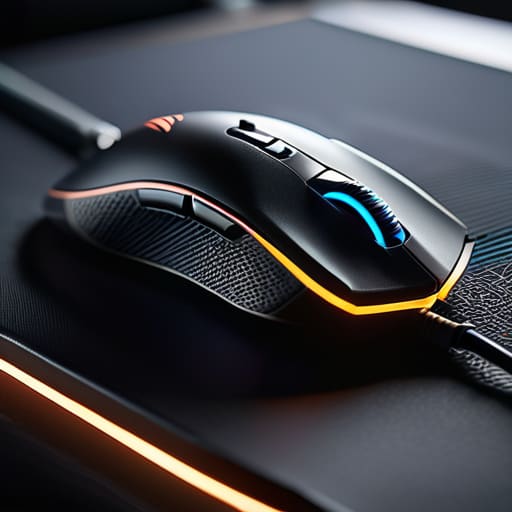
I’ve spent most of my life looking at how things are put together, and frankly, much of what they’re selling you these days makes my blood boil. You walk into a store or browse online, and you’re met with a mountain of colorful, glowing nonsense that feels like it’s made of nothing but hollow eggshells. It’s frustrating because when you’re in the middle of a match, the last thing you need is a sensor that skips or a clicker that feels mushy after a month of use. Finding the best gaming mice shouldn’t feel like a gamble where you’re betting your hard-earned cash on a piece of junk that’ll end up in a landfill by next season.
I’m not interested in the flashing RGB lights or the marketing jargon that requires a manual just to change the sensitivity. I’ve sat down with my notepad and put these units through the ringer to see which ones actually have the mechanical integrity to last. In this list, I’m going to cut through the hype and show you five specific models that prioritize build quality and precision over flashy gimmicks. You’ll learn exactly which mice are worth your investment and which ones are just overpriced plastic.
Table of Contents
- The Logitech G502 Hero: A Workhorse for Your Desk
- Razer DeathAdder V3 Pro: Precision Without the Bulk
- SteelSeries Rival 3: The Budget Pick That Isn't Junk
- Zowie EC Series: The Purist's Choice
- Razer Basilisk V3: More Buttons, Less Nonsense
- The Bottom Line: Don't Get Fooled by the Flash
- ## The Bottom Line on Build Quality
- Don't Get Swayed by the Flash
- Frequently Asked Questions
The Logitech G502 Hero: A Workhorse for Your Desk

I’ve seen a lot of gadgets come and go, but this one feels like it was actually designed by someone who understands mechanical integrity. It’s got a bit of weight to it, which I personally prefer over these modern “ultralight” mice that feel like hollow eggshells. The buttons have a distinct, tactile click that tells you exactly when a command has been registered, and the sensor tracking is remarkably consistent even when you’re moving fast.
Razer DeathAdder V3 Pro: Precision Without the Bulk
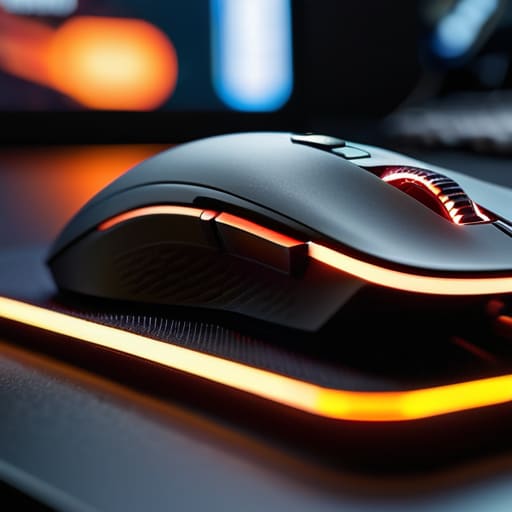
Now, I usually scoff at anything that tries to be “lightweight,” but I have to admit that Razer hit a sweet spot here. They managed to strip away the unnecessary weight without making the chassis feel flimsy or cheap. It’s a streamlined piece of kit that gets out of your way, which is exactly what you want when you’re in the middle of a session and don’t want to fight your own hardware.
SteelSeries Rival 3: The Budget Pick That Isn't Junk
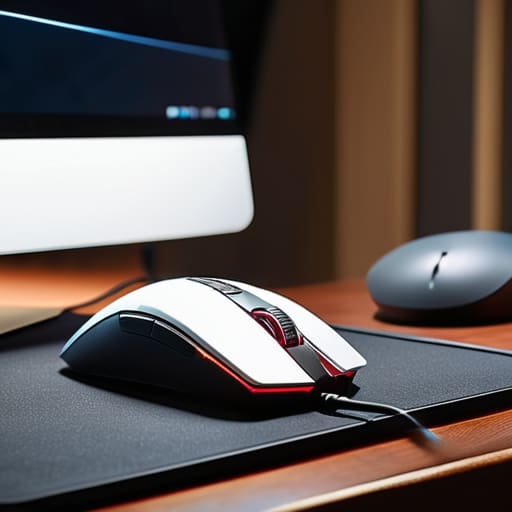
Most of the time, when you see a low price tag, you should expect to be buying a piece of overpriced plastic that will break in a month. Surprisingly, the Rival 3 manages to dodge that trap. It’s a simple, no-frills mouse that focuses on the fundamentals: a decent sensor and a shape that fits most hands comfortably. It’s not going to win any awards for luxury, but it gets the job done.
Zowie EC Series: The Purist's Choice
If you ask me, the best way to design a tool is to remove everything that isn’t strictly necessary, and Zowie follows that philosophy to a T. There’s no flashy RGB lighting to distract you, no complicated software to install, and no useless extra buttons. It is a purely functional device designed for one thing: precision. The shape is legendary in the competitive scene for a reason—it just works.
Razer Basilisk V3: More Buttons, Less Nonsense
For those who need more control over their various applications, the Basilisk offers a layout that feels very intuitive. It’s a bit of a larger mouse, which might be a problem for folks with smaller hands, but the ergonomic grip is excellent for long periods of use. The thumb rest is deep and well-contoured, preventing that hand fatigue I see so many people complaining about.
The Bottom Line: Don't Get Fooled by the Flash
Stop chasing every new sensor specification on the box; if the build quality feels hollow and the switches don’t have a satisfying, consistent click, it’s just overpriced junk.
Weight is a preference, not a rule, but make sure whatever you pick feels balanced in your hand rather than feeling like a top-heavy toy.
Before you hit ‘buy,’ look past the RGB lighting and the marketing jargon—focus on the durability of the cable and the actual reliability of the sensor under pressure.
## The Bottom Line on Build Quality
“I don’t care how many RGB lights they slap on the chassis or what fancy software they want you to download; if the sensor skips when you move fast and the switches feel like mush after a month, it’s nothing more than an expensive paperweight.”
Roland Delacroix
Don't Get Swayed by the Flash
At the end of the day, picking a gaming mouse shouldn’t feel like a math exam or a gamble with your hard-earned cash. We’ve looked at everything from the lightweight performers to the heavy-duty builds, and the lesson is clear: you have to prioritize build quality and sensor reliability over flashy RGB lighting that does nothing but drain your power. I’ve seen too many people get caught up in the marketing hype of a brand-new release, only to find the switches failing after three months of heavy use. Whether you go with a wired model for that direct connection or a wireless setup for the freedom of movement, make sure the device feels solid in your hand and doesn’t feel like cheap, hollow plastic the moment you apply any real pressure.
My advice is simple: stop looking for the “perfect” mouse and start looking for the one that actually works for your specific grip and playstyle. A tool is only as good as its ability to perform when you need it most, and a mouse that frustrates you is just a paperweight. Invest in something that respects your budget and your time. Once you find that piece of hardware that feels like a natural extension of your hand, you can finally stop worrying about your gear and get back to the actual game.
Frequently Asked Questions
How do I know if a sensor is actually high-quality or just some marketing gimmick on the box?
Look, don’t let those flashy “25,000 DPI” numbers on the box fool you; that’s just marketing fluff to separate you from your cash. Most people can’t even use half that sensitivity. You want to look for sensor consistency and “lift-off distance.” If the cursor jumps or jitters when you reposition the mouse, the sensor is junk. I always check if the manufacturer names the specific sensor model—if they’re hiding it, they’re hiding something.
Do I really need to spend a hundred bucks on a wireless mouse, or is a wired connection more reliable for the long haul?
Look, if you’re asking about reliability, a wired connection wins every single time. You don’t have to worry about battery degradation or signal interference mid-game. That said, if you do go wireless, don’t settle for some cheap, budget junk that loses connection when things get intense. Spend the hundred bucks on a reputable brand with a solid sensor and a battery that actually lasts. If it’s built right, the wireless freedom is worth it.
What should I look for in a mouse build so it doesn't start creaking or feeling flimsy after six months of use?
Look for weight and structural rigidity. When you pick it up, give the sides a firm squeeze; if you hear even a hint of creaking or see the shell flex, put it back on the shelf. That’s a sign of cheap, thin plastic that won’t last a season. You want a solid chassis and high-quality switches that feel tactile, not mushy. If it feels like a toy, it’s going to break like one.
