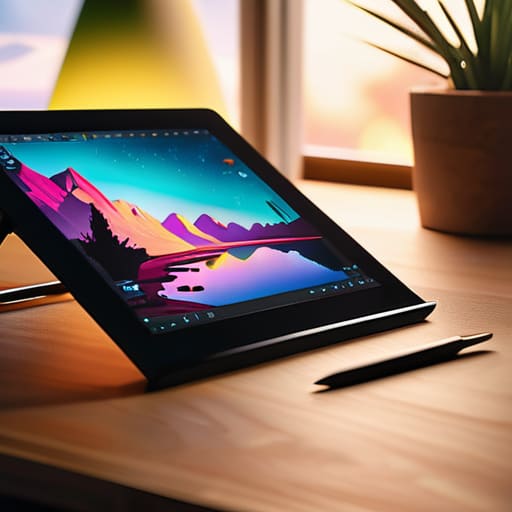
I was sitting at my workbench last Tuesday, tinkering with a vintage Marantz receiver, when I realized how much the tech industry has changed for the worse. Nowadays, you walk into a store to find a tablet for artists, and you’re met with a wall of glossy marketing jargon and “revolutionary” features that mean absolutely nothing once you actually try to use them. Most of these devices are nothing more than overpriced glass slabs wrapped in flimsy aluminum, designed to fail the moment the warranty expires. I’ve spent thirty years looking at how things are built, and frankly, I’m tired of seeing people throw their hard-earned money at gadgets that prioritize flashy screens over actual, reliable performance.
I’m not here to sell you on the latest trend or some overpriced brand name that’s mostly hype. My goal is to cut through the noise and tell you which hardware actually has the build quality to survive a real workday. I’ll be looking at pressure sensitivity, stylus latency, and structural integrity—the stuff that actually matters when you’re in the middle of a project. I promise to give you the straight truth on what’s a solid tool and what’s just expensive plastic.
Table of Contents
Graphics Tablet vs Pen Display What Actually Matters
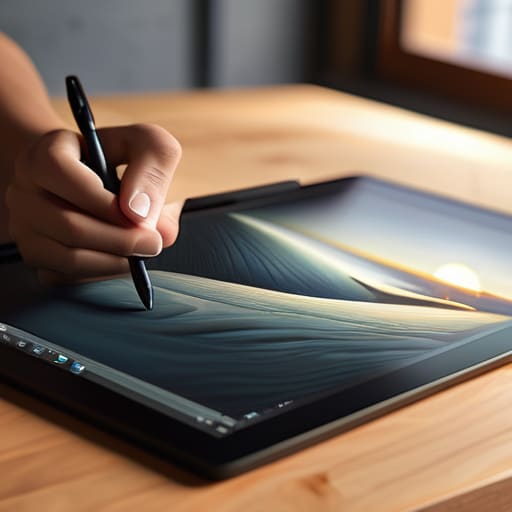
Now, before you go dropping a month’s worth of savings on a new setup, you need to understand the fundamental difference between a graphics tablet and a pen display. I see people making this mistake all the time: they buy a screen-based display thinking it’s inherently “better,” but they end up with a device that’s a nightmare to calibrate. A standard graphics tablet—the kind without a screen—relies on your hand-eye coordination, much like using a mouse but with much more nuance. Because there’s no monitor built into the unit, you’re usually looking at a more robust, reliable piece of hardware that won’t overheat or fail just because a backlight died.
On the other hand, a pen display lets you draw directly on the screen, which feels more natural, but you’re paying a premium for that convenience. When you’re weighing the pros and cons of a graphics tablet vs pen display, don’t just look at the price. You need to look at the technical reality of stylus latency and precision. If there is even a millisecond of lag between your hand moving and the line appearing on the screen, you’re going to find the whole experience frustrating. It’s not about the flashiness; it’s about whether the tool actually follows your lead.
Why High Pressure Sensitivity Levels Are Non Negotiable
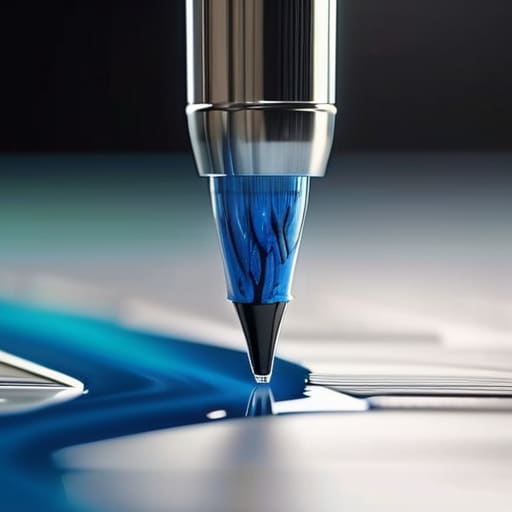
When you’re looking at spec sheets, you’re going to see numbers like 4,096 or even 8,192 thrown around like they’re magic spells. Don’t let the marketing jargon confuse you. In my experience, these pressure sensitivity levels aren’t just arbitrary digits; they dictate how much control you actually have over your line weight. If the sensor is garbage, you’ll find yourself fighting the tool rather than using it. You want a device that responds to a feather-light touch just as reliably as a heavy stroke, otherwise, you’re just fighting a digital ghost.
If you’re coming from a traditional background, you know that the nuance of a pencil stroke is everything. A low-quality sensor creates a “stair-step” effect where the line jumps from thin to thick in jarring increments. To get a natural feel, you need high-grade stylus latency and precision that mimics real-world physics. Anything less is just a glorified mouse, and quite frankly, it’s a waste of your hard-earned money. If the hardware can’t handle the pressure, the most expensive software in the world won’t save your art.
Five Things to Check Before You Open Your Wallet
- Don’t get blinded by the screen resolution. A 4K display looks pretty in a brochure, but if the parallax is off and there’s a massive gap between your pen tip and the actual cursor, you’re going to be fighting the hardware all day. Look for a device that actually feels like the ink is hitting the surface.
- Check the build quality of the stylus. I’ve seen too many “pro” tablets come with pens that feel like cheap, hollow pieces of injection-molded plastic. If it doesn’t have some decent weight and a balanced center of gravity, your hand is going to cramp up after twenty minutes of actual work.
- Look at the connection ports, not just the wireless specs. Bluetooth is convenient until it drops a signal mid-stroke. I always prefer a reliable, physical connection. If the tablet relies entirely on a finicky wireless chip to function, you’re asking for a headache when you’re in the middle of a deadline.
- Watch out for “proprietary” nonsense. If a manufacturer forces you to use their specific, overpriced replacement nibs or a closed-loop software system that won’t talk to your existing programs, walk away. A good tool should play well with others, not hold your workflow hostage.
- Test the surface texture. If the screen is as smooth as a pane of glass, you’re going to find it impossible to control your lines. You want something with a bit of “tooth” to it—a slight friction that mimics the feel of paper. Anything less is just a slippery, frustrating mess.
The Bottom Line Before You Open Your Wallet
Don’t get blinded by the marketing fluff about “millions of levels of pressure”; focus on how the pen actually feels in your hand and whether the nibs feel like real tools or cheap bits of plastic.
Decide if you actually need a screen on the tablet or if a standard graphics tablet will do, because paying for a built-in display often means paying for more points of failure and more heat.
Prioritize build quality over flashy software bundles; a tablet with a solid, weighted chassis will outlast a lightweight, flimsy model that’s designed to be replaced in two years.
The Truth About Pressure Sensitivity
Don’t get distracted by a marketing department’s claims about thousands of levels of pressure; what you actually need to look for is how the sensor handles a light touch without jittering like a cheap toy. If the hardware can’t translate your hand’s intent into a steady line, all those extra specs are just numbers on a box meant to drain your wallet.
Roland Delacroix
Don't Get Sold a Lemon
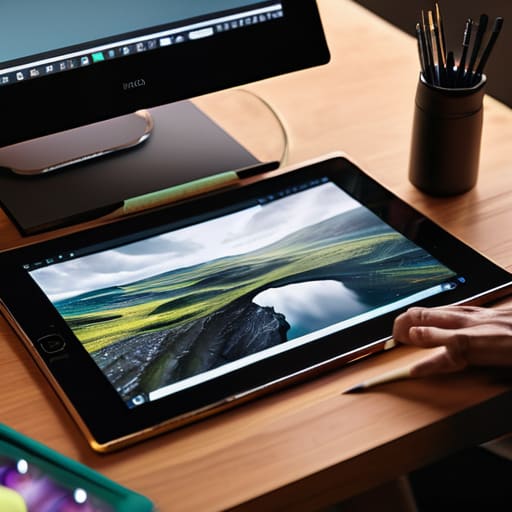
Look, I’ve seen enough “revolutionary” gadgets turn into paperweights to know that you need to keep your guard up. When you’re picking out a tablet, don’t get distracted by the flashy marketing or the sleek, thin chassis that feels like it might snap in half if you look at it wrong. You need to prioritize the fundamentals: decide whether a pen display is worth the extra desk space, ensure the pressure sensitivity isn’t just a marketing gimmick, and for heaven’s sake, check the build quality of the stylus. If the hardware feels flimsy in your hand, it’s going to fail you when you’re in the middle of a deadline. Invest in reliability, not just a pretty screen.
At the end of the day, a tablet is just a tool, no different from a well-made wrench or a reliable soldering iron. It’s there to serve your vision, not to become a source of constant frustration. Don’t let the tech industry make you feel like you need the most expensive, over-engineered setup just to be a “real” artist. Find something that works, something that feels solid, and something that stays out of your way so you can actually do the work. Once you find that right piece of gear, stop worrying about the specs and just start creating.
Frequently Asked Questions
I’ve seen these "pro" tablets that cost a fortune—is the extra money actually going into better hardware, or am I just paying for a brand name?
Look, I’ve seen this play out in manufacturing a thousand times: you pay for the badge, not the build. With these tablets, a portion of that “pro” price tag is definitely going toward marketing and brand prestige. However, there is a line where the money actually buys better components—specifically more stable digitizer chips and better color accuracy in the display. If you’re just sketching, stay away from the premium brands. Only pay the markup if you need professional-grade color calibration.
How much does the surface texture of the tablet actually matter for drawing, or is it all just marketing fluff?
It’s not just marketing fluff, but don’t expect a miracle. If the surface is as slick as a sheet of glass, your pen will skate around like a puck on ice, making precise lines nearly impossible. You want a bit of “tooth”—that slight friction that mimics paper. It gives you the control you need for fine detail. Just watch out for overly textured surfaces; they can wear down your nibs faster than a sandpaper block.
Do I really need to worry about the connection type, or will a cheap USB cable get the job done without causing lag?
Listen, don’t go thinking a five-dollar gas station cable is going to cut it. I’ve seen enough signal interference to know that a flimsy, unshielded wire is a recipe for disaster. If that connection drops or introduces even a millisecond of lag, your line work will look like a jagged mess. Stick to the high-quality, shielded cable that came in the box, or invest in a reputable brand. Don’t cheap out on the one thing connecting your hand to the machine.
