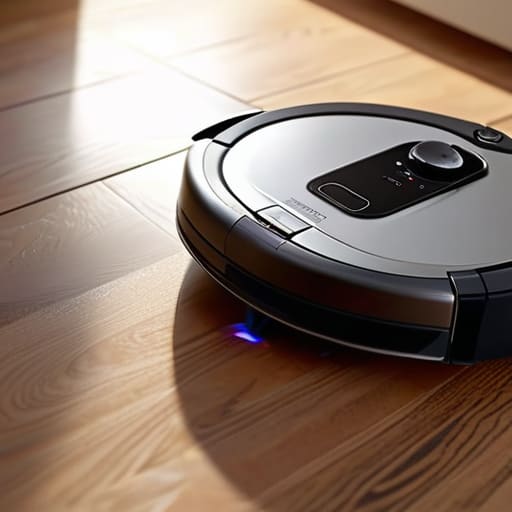
I was sitting in my workshop last Tuesday, trying to calibrate an old Marantz receiver, when I heard that dreaded, high-pitched whine coming from the living room. I looked up to see my latest “smart” purchase spinning in useless circles, bumping into the baseboards like a blind toddler. It’s the same story every time: you spend three hundred dollars on a piece of high-tech machinery, only to realize that most robot vacuum troubleshooting isn’t about software updates or cloud connectivity—it’s usually just a damn hair clog or a sensor covered in dust. Most of these companies want you to think you need a technician or a replacement part, but half the time, you just need to actually look at the hardware.
I’m not here to walk you through a twenty-page digital manual written by someone who has never held a screwdriver. I’ve spent thirty years in systems engineering, and I know how to spot a mechanical failure from a mile away. In this guide, I’m going to give you the straight truth on how to get your machine back in line without wasting a dime on unnecessary repairs. We’re going to focus on practical, hands-on fixes that actually work, so you can stop babysitting your gadgets and get back to your life.
Table of Contents
- Decoding Those Useless Robot Vacuum Error Codes
- Fixing Suction Power Issues Without Buying a New Unit
- Five Practical Maintenance Habits to Keep Your Vacuum from Quitting on You
- The Bottom Line: Don't Let the Plastic Win
- ## Reliability Over Marketing Hype
- Don't Let the Gadgets Win
- Frequently Asked Questions
Decoding Those Useless Robot Vacuum Error Codes
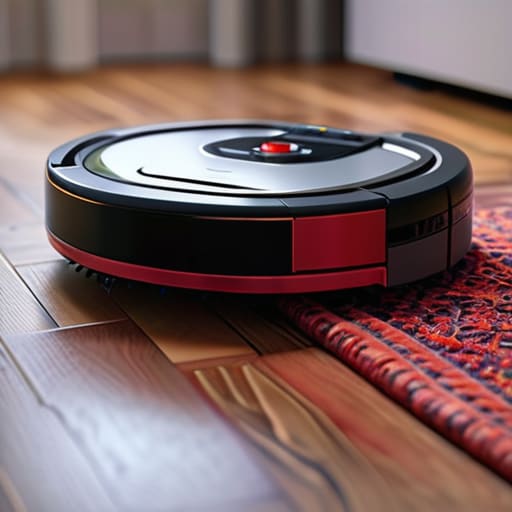
Most manufacturers love to hide behind a cryptic string of numbers and letters on a smartphone app, expecting you to do their job for them. When your machine starts flashing red and spitting out a string of nonsense, don’t panic. Most of these robot vacuum error codes aren’t some deep systemic failure; they are usually just the machine’s way of saying it’s choking. If you see a code related to movement, stop looking at the software and start looking at the hardware. Usually, it’s just a stray sock or a clump of pet hair jammed in the drive wheels.
I’ve seen plenty of folks assume their motor is dead when the real culprit is simple navigation sensor cleaning. If those optical eyes are coated in a fine layer of dust, the unit will wander aimlessly and throw an error because it thinks it’s lost. It’s the same story with suction power issues; you don’t need a technician to tell you that a clogged filter is the problem. Before you call customer service and wait on hold for forty minutes, grab your notepad and check the physical obstructions first.
Fixing Suction Power Issues Without Buying a New Unit
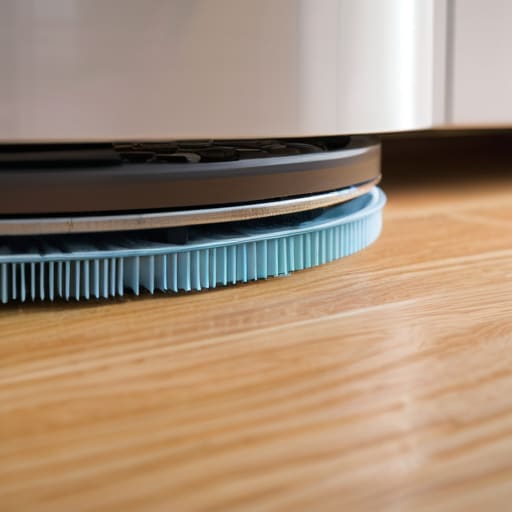
Before you go out and shell out another few hundred dollars for a replacement, let’s look at the actual mechanics of why your machine isn’t picking up dirt. Most people assume the motor is dying, but it’s rarely that dramatic. Usually, you’re dealing with simple suction power issues caused by a blockage in the airflow path. I’ve seen it a dozen times: a stray sock or a clump of pet hair gets wedged in the intake, choking the system. Take a look at the internal tubes and the filter. If that filter is caked in fine dust, the vacuum is basically trying to breathe through a thick wool blanket.
Don’t skip the physical inspection of the underside, either. Proper cleaning brush maintenance is the difference between a clean floor and a machine that just pushes debris around. If the bristles are matted or the side brushes are bent, you’re losing efficiency. Grab your notepad and check the rollers for hair wraps; even a tiny amount of friction from a tangled axle can strain the motor. It’s not high-tech, but it’s the kind of fundamental maintenance that keeps a machine running for years instead of months.
Five Practical Maintenance Habits to Keep Your Vacuum from Quitting on You
- Stop ignoring the cliff sensors. If your vacuum is acting like it’s terrified of a dark rug or keeps bumping into the same chair leg, those little sensor windows are likely filmed over with fine dust. Take a clean, dry microfiber cloth and wipe them down once a week. It’s basic maintenance, not rocket science.
- Check your side brushes for hair tangles. Most people focus on the main roller, but those little spinning side brushes get choked with hair and thread just as easily. If they can’t spin freely, the vacuum can’t sweep debris into the suction path, and you’ll end up with a mess despite the machine running.
- Don’t let the battery die completely. I’ve seen too many people leave these things in a corner for months without charging them. If you let a lithium-ion battery hit zero and stay there, you’re effectively killing its lifespan. Keep it docked, even if you aren’t using it every day.
- Clean the filter, don’t just shake it. Most manufacturers claim these filters are “washable,” but honestly, if you’re washing them every week, you’re going to degrade the material. Instead, tap it out against the side of your trash can regularly to get the fine particulates out. If the filter looks gray and matted even after a cleaning, throw it away and buy a replacement.
- Inspect the drive wheels for debris. If your robot is veering to the left or spinning in circles, there’s probably a pebble or a clump of pet hair wedged in the axle of one of the main drive wheels. Use a pair of tweezers to clear the debris out. If the wheels can’t grip the floor, the most expensive motor in the world won’t help you.
The Bottom Line: Don't Let the Plastic Win
Before you toss a perfectly good machine in the trash because it’s acting up, check the mechanical basics—90% of the time, it’s a clog or a tangled brush roll, not a fried circuit board.
Stop treating the error codes like gospel; most of them are just the machine’s way of telling you it’s stuck or dirty, so grab your notepad and clean the sensors instead of hitting the reset button repeatedly.
Invest your money in maintenance, not upgrades; keeping your filters clean and your rollers free of hair will do more for your suction power than any “next-gen” model ever could.
## Reliability Over Marketing Hype
Most people think a blinking red light means the machine is broken, but half the time, it’s just a piece of debris clogging a sensor that you could clear in ten seconds with a dry cloth. Stop treating these things like magic black boxes and start treating them like the mechanical tools they actually are.
Roland Delacroix
Don't Let the Gadgets Win
At the end of the day, most of these “high-tech” cleaning issues boil down to basic mechanical maintenance. Whether you’re deciphering a cryptic error code that’s really just a sensor crying for help, or you’re clearing out a hair clog to restore that lost suction, the solution is almost always physical, not digital. You don’t need to call a technician or spend another dime on a subscription service just because a piece of plastic stopped spinning. If you keep the brushes clear, the sensors wiped down, and the filters clean, you’ve already done eighty percent of the work required to keep that machine running. Reliability isn’t magic; it’s maintenance.
I know it’s easy to get frustrated when a device that was supposed to save you time ends up becoming another chore on your list. We live in an era where everything is designed to be disposable, but I’m telling you, don’t fall for the trap of thinking a malfunction means it’s time for the landfill. Take a notepad, grab a screwdriver, and look at the machine for what it actually is: a collection of motors, gears, and sensors. When you stop treating it like a black box and start treating it like a piece of properly engineered hardware, you’ll find that most problems are well within your power to fix. Keep your tools handy and your expectations realistic.
Frequently Asked Questions
My robot keeps getting stuck on the same rug every single day; is there a way to fix this without constantly moving my furniture?
Look, if that machine is treating your rug like a mountain range, it’s likely a sensor issue or a simple height mismatch. First, check the cliff sensors on the underside; if they’re coated in dust, the bot gets “confused” by the texture change. If that doesn’t work, check the brushes. A tangled hair clump can stall the motor the second it hits a heavy pile. Don’t go moving the sofa yet—just clean the sensors first.
Is it actually worth buying those expensive replacement filters, or can I just clean the ones I have?
Look, I’ve seen enough cheap components fail to know when a part is truly spent. If you’re just rinsing a HEPA filter and it still smells like old dust or leaves a fine film on your floor, throw it out. You can’t “clean” microscopic particles out of those fibers. Don’t let a manufacturer trick you into buying a $50 branded version if a decent third-party one fits the specs, but don’t cling to a clogged filter like it’s a vintage Marantz. If it’s compromised, replace it.
Why does my vacuum's battery seem to die halfway through the job when it used to last an hour?
Look, if your runtime has suddenly dropped from an hour to a crawl, don’t go running out and buying a new unit just yet. Most likely, your lithium-ion cells are reaching the end of their chemical life, or the battery is struggling under the load of a clogged filter. It’s basic physics—if the motor has to work twice as hard to pull air through a mess, it’s going to pull more current, and that’ll drain a tired battery in no time.
