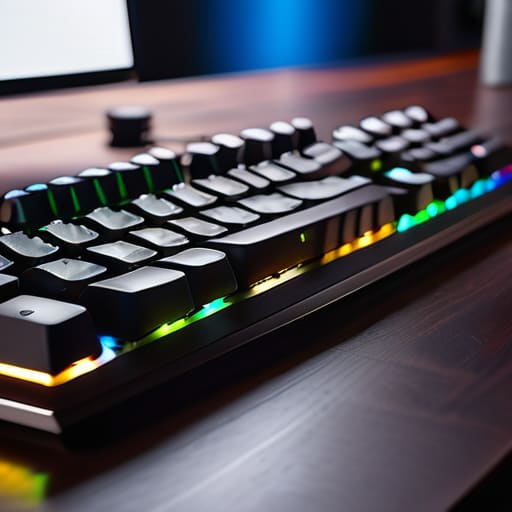
I spent three decades in manufacturing, where if a component wasn’t built to tolerance, the whole line shut down. Nowadays, I open a box of a “premium” gadget and find nothing but thin, hollow plastic and software that requires a manual the size of a phone book just to turn it on. It’s frustrating. Most people looking for the best mechanical keyboards online are being fed a diet of flashy RGB lights and marketing jargon that means absolutely nothing when it comes to actual longevity. You shouldn’t have to gamble your hard-earned money on a peripheral that feels like a toy and starts double-typing after six months of heavy use.
I’ve sat at my workbench with my notepad, stripping down various models to see what’s actually happening under the hood. In this list, I’m cutting through the noise to show you five specific models that actually worth the investment. I’m going to show you which ones feature the solid build quality you expect and which ones are just expensive junk disguised as professional gear. By the time you finish reading, you’ll know exactly what to look for so you can buy a tool that actually works.
Table of Contents
The Workhorse: Leopold FC900R
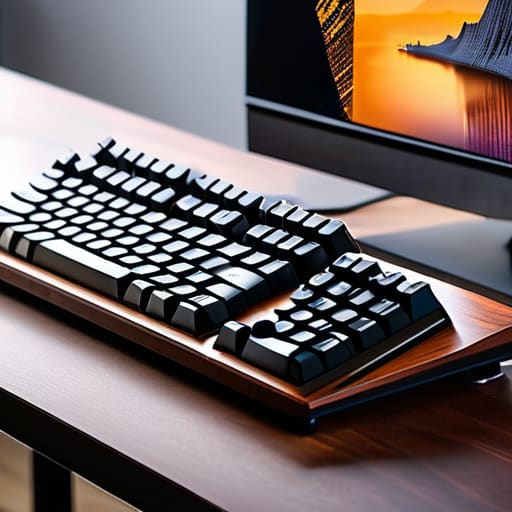
I’ve spent enough time on factory floors to know that if a tool isn’t built with weight and stability in mind, it’s going to slide around your desk like a bar of soap. The Leopold FC900R is one of the few boards that actually feels like a piece of serious equipment. The chassis is heavy, the plastic is high-grade, and it doesn’t have all that unnecessary, gaudy RGB lighting that serves no purpose other than to distract you from your work.
The Professional Standard: Keychron Q Series
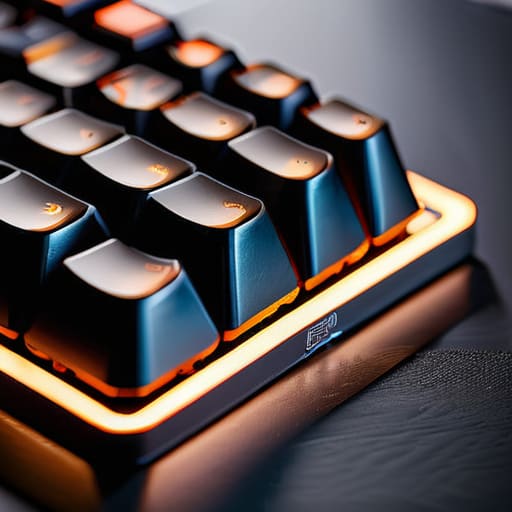
Now, if you’re looking for something that feels more like a precision instrument, you have to look at the Keychron Q series. Most of these modern “enthusiast” boards are nothing but hollow shells, but these are constructed from a solid block of aluminum. When I picked this up, the first thing I noted in my pad was the sheer density of the frame. It doesn’t flex, it doesn’t creak, and it stays exactly where you put it.
Reliability Over Flash: Filco Majestouch 2
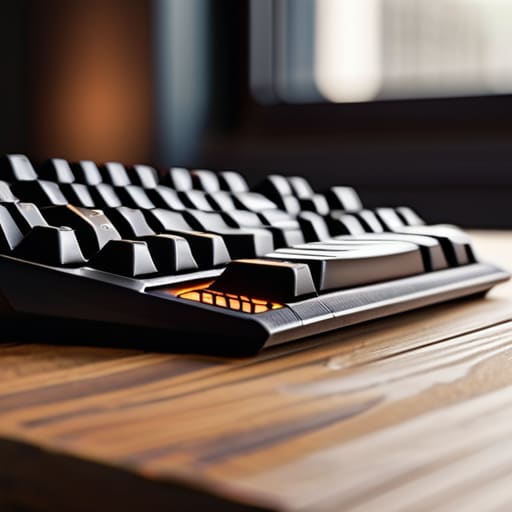
There was a time when things were built to be repaired, not replaced, and the Filco Majestouch 2 is a throwback to that era. It’s a no-frills, industrial-looking beast that focuses entirely on the mechanical integrity of the switches and the circuit board. It doesn’t have software to install, it doesn’t have “modes” to toggle, and it doesn’t require a manual the size of a phone book just to turn it on.
The Modular Choice: Ducky One 3
I usually have a hard time with “customizable” tech because it usually just means more points of failure, but the Ducky One 3 handles it with some actual competence. It uses a hot-swappable PCB, which means if a single switch fails, you don’t have to throw the whole board in the trash. You just pop the faulty part out and put a new one in, which is much more sensible than the modern “disposable” culture.
The Compact Specialist: Anne Pro 2
Sometimes you don’t need a massive desk real estate hog with a number pad you’ll never use. The Anne Pro 2 is a compact 60% layout that gets the job done without the clutter. While it leans a bit more into the “gadget” category with its wireless capabilities, the actual construction of the board is surprisingly tight for its size. It’s a good option if you need to move your setup around frequently.
The Bottom Line Before You Buy
Stop chasing RGB lights and fancy software; if the chassis is made of cheap, hollow plastic, the board will flex and fail within a year.
Look for heavy-duty construction and meaningful switch feedback—a tool you use every day should feel substantial under your fingers, not mushy.
Don’t let marketing jargon confuse you; stick to proven builds that prioritize durability and ease of maintenance over flashy, useless gimmicks.
The Truth About Modern Hardware
Most of these companies are selling you RGB lights and marketing fluff wrapped in thin, cheap housing. If a keyboard doesn’t have a solid build and switches that actually feel like they were engineered rather than molded, you aren’t buying a tool—you’re buying a future trip to the landfill.
Roland Delacroix
The Bottom Line
Look, I’ve spent enough time in manufacturing plants to know that if you buy something cheap, you’re just paying for the privilege of replacing it six months later. Whether you decided to go with a heavy-duty enthusiast board for that tactile feedback or a more streamlined model for your home office, the goal remains the same: you want a tool that responds when you hit the key and doesn’t rattle like a tin can. Don’t get distracted by the flashing RGB lights or the marketing jargon about “gaming latency” that doesn’t mean a lick in the real world. Focus on the build quality and the type of switches that suit your specific hands. If the chassis feels like a solid piece of engineering rather than a hollow toy, you’re already halfway to a good investment.
At the end of the day, your keyboard is the primary interface between your brain and your work. It’s the one piece of hardware you touch every single day, so treat it like the essential tool it is. Stop settling for those flimsy, membrane-based junk piles that come pre-installed on every cheap laptop. Invest in something with actual substance that can withstand years of daily typing without losing its soul. You don’t need the most expensive setup on the market, but you do deserve a machine that works as hard as you do. Get it right the first time, and you won’t have to think about it again for a long, long time.
Frequently Asked Questions
How do I know if a keyboard is actually built with metal components or if it's just cheap plastic painted to look heavy?
Don’t let a shiny finish fool you. I always check the weight first; if it feels light enough to slide across your desk while typing, it’s mostly plastic. Next, run your fingernail along the edge of the frame. Real aluminum or steel feels cold to the touch and has a distinct, rigid density. If it feels warm or flexes when you press down hard, you’re looking at painted polycarbonate. Don’t buy it.
What is the real difference between these different switch types, and which one won't drive me crazy with noise?
Look, it comes down to how much tactile feedback you actually need. Linear switches are smooth—no bump, just a straight press—which is great if you hate distractions. Tactile switches give you a physical “bump” so you know the key registered, which helps with typing accuracy. But if you’re worried about noise, stay away from “clicky” switches. They sound like a typewriter on overdrive. Stick to linears or quiet tactiles if you value your sanity.
Is it worth spending an extra hundred dollars on a "gaming" brand, or am I just paying for a fancy logo?
Look, I’ve seen this pattern a dozen times in manufacturing. You’re often paying for the marketing budget and the RGB lights, not better engineering. If a “gaming” brand offers superior switch quality or a sturdier chassis, it might be worth it. But if it’s just fancy plastic and a glowing logo, you’re being taken for a ride. Don’t buy the hype; buy the build quality. Check the materials, not the branding.
