I was sitting in my workshop last Tuesday, cleaning the dust out of a 1970s Marantz receiver, when my grandson came in asking for one of those “smartwatches for kids” he saw on a commercial. I looked at the sleek, flimsy piece of junk on the screen and nearly choked on my coffee. Most of these gadgets are nothing more than overpriced plastic toys wrapped in a marketing budget designed to separate fools from their hard-earned money. They promise the world with colorful icons and flashy animations, but they usually fall apart the moment a kid actually goes outside to play.
I’m not here to sell you on the latest digital fad or tell you which watch has the prettiest interface. My goal is to look under the hood and tell you which models actually have the build quality to survive a playground and the reliability to keep your child reachable when it matters most. I’ve spent my life evaluating systems that are built to last, and I’m going to apply that same scrutiny here. We’re going to find you a tool that works, not a gadget that breaks.
Table of Contents
Reliable Real Time Location Monitoring That Actually Works
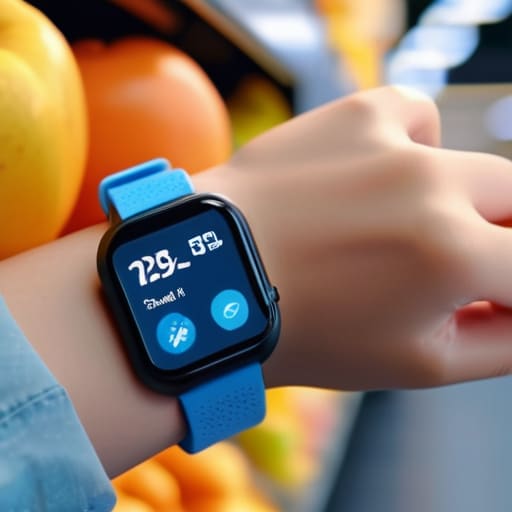
When I was designing systems in the manufacturing sector, “precision” wasn’t just a buzzword; it was a requirement. The same logic applies here. If you are looking for real-time location monitoring, you need to look past the marketing fluff and check the hardware specs. A lot of these devices rely on cheap, jittery GPS modules that’ll tell you your kid is in the next county when they’re actually just across the street. I don’t care how many colorful icons are on the screen; if the signal drops the moment they step into a grocery store, the device is useless.
You also need to look for a physical emergency SOS button for kids. I’ve seen too many “smart” designs that hide critical functions behind three layers of software menus. If a child is panicked, they aren’t going to navigate a touchscreen; they need a tactile, reliable way to signal for help. Look for something with high-quality haptic feedback and a clear, mechanical feel. If the interface feels like a toy made of flimsy plastic, the reliability of the communication won’t be much better.
Essential Kid Friendly Smartwatch Features Youll Use
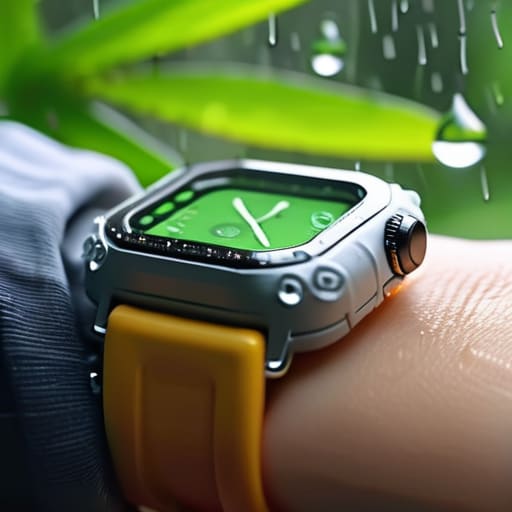
When you’re looking at these gadgets, you have to look past the bright colors and cartoon interfaces. I’ve seen too many parents get distracted by a screen that plays games, only to realize the hardware is junk. The first thing you need to check is the build quality—specifically, look for waterproof smartwatches for children. If a kid is playing in the sprinkler or gets caught in a rainstorm, a device that dies instantly isn’t a tool; it’s a paperweight. You want something with a high IP rating that can actually survive a real-world environment.
Next, let’s talk about the actual utility. A device is useless if it doesn’t facilitate safe communication for children without opening a gateway to the entire internet. You aren’t looking for a mini-smartphone; you’re looking for a controlled way to stay in touch. This means checking for a dedicated emergency SOS button for kids that works every single time, regardless of what app is running. If that button requires a three-step menu navigation to activate, it’s a failure of engineering. It needs to be tactile, immediate, and reliable.
Five Things to Check Before You Open Your Wallet
- Look past the bright colors and check the build quality. If the casing feels like thin, hollow plastic, it won’t survive a single afternoon on a playground. You want something with reinforced edges and a screen that isn’t going to shatter the first time they trip.
- Don’t get caught in a subscription trap. Some of these companies sell you the hardware for cheap, only to charge you a monthly fee just to keep the GPS active. Read the fine print on the service plan before you commit to a recurring bill.
- Battery life is more important than fancy apps. I don’t care if the watch has a dozen games on it if the battery dies by noon. You need a device that can actually last a full school day and an evening out without needing a charge every five minutes.
- Verify the charging method. I’ve seen too many “smart” devices that use proprietary cables that are easy to lose and even easier to break. If it uses a standard, rugged connection, you’ll save yourself a headache and a trip to the replacement store.
- Test the interface for simplicity. If the menu system is so convoluted that you need a manual just to send a text, it’s a bad design. A kid should be able to hit a button and reach you without getting lost in a digital maze.
Bottom Line: Don't Buy the Hype
Stop looking at the flashy screens and start looking at the build quality; if it feels like a cheap toy, it’s going to break the first time it hits the pavement.
Prioritize reliable GPS and long battery life over “social media” apps that just serve as distractions and drain the power in three hours.
Buy a tool that serves a purpose—if the tracking is spotty or the interface is too complex for a ten-year-old, you’re just throwing money away on expensive plastic.
The Bottom Line on Kid-Tech
Most of these gadgets are just overpriced toys designed to distract your kids, but if you’re looking for a tool to actually keep them safe, stop looking at the screen resolution and start looking at the signal reliability and the build quality.
Roland Delacroix
The Bottom Line
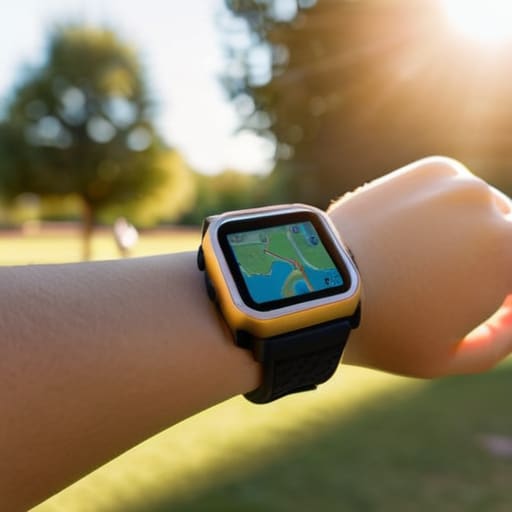
At the end of the day, choosing a smartwatch for your kid isn’t about finding the one with the most colorful emojis or the flashiest app store. It’s about the fundamentals: does the GPS actually track them when they’re at the park, and is the build quality sturdy enough to survive a tumble on the sidewalk? I’ve seen too many of these gadgets turn into nothing more than expensive paperweights because they relied on flimsy components and buggy software. Stick to the basics—reliable communication, accurate location tracking, and a battery that won’t die right when you need it most. If a device can’t handle those three things, it’s not a tool; it’s a distraction.
I know the tech landscape changes every week, and it can feel like you’re being sold a new “must-have” gadget every time you walk into a store. But don’t let the marketing hype cloud your judgment. You aren’t buying a toy; you’re investing in a bit of peace of mind. When you pick something that is built to last and actually does what it says on the box, you’re making a smart decision for your family. Buy something that works, skip the junk, and get back to enjoying your time together.
Frequently Asked Questions
How much am I actually going to spend on monthly data plans just to keep these things running?
Here’s the reality: you aren’t just buying a watch; you’re signing up for a subscription. Most of these devices require a dedicated SIM card to stay connected. Expect to shell out anywhere from $10 to $25 a month per device. Some companies try to bundle it, but always read the fine print. Don’t get caught by a “low” upfront price only to find out the monthly data fees are eating your budget alive.
Are these watches built to survive a kid dropping them on concrete or playing in the mud, or are they just fragile toys?
Look, if you’re buying a watch for a kid, it’s going to hit the pavement or get buried in the sandbox. Period. Most of these “smart” gadgets are built like delicate glass ornaments, but you shouldn’t settle for that. You need to look for an IP67 or IP68 rating for water and dust resistance, and check if the casing is reinforced polymer rather than cheap, thin plastic. If it doesn’t feel substantial in your hand, it won’t last a week.
Is the battery life going to hold up through a full school day, or am I going to be charging this thing every single night?
Look, if you’re expecting a device to last a week on a single charge, you’re dreaming. Most of these kids’ watches are packed with GPS and cellular radios that eat power like a hungry furnace. For a standard school day, you’ll be fine, but don’t get complacent. If they’re playing games or using data, that battery will tank. Plan on a nightly charge—treat it like your phone, or you’ll be left stranded.
