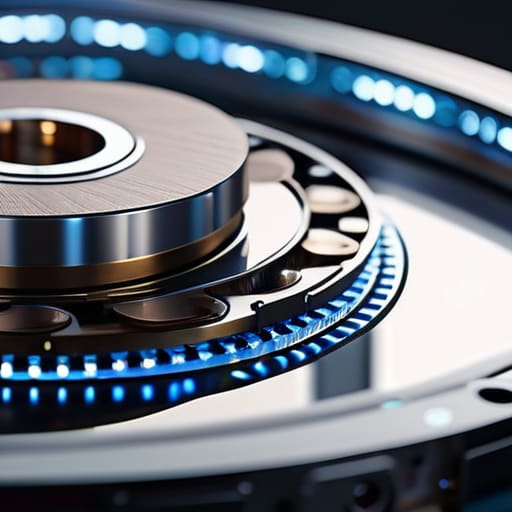
I was sitting at my workbench last Tuesday, cleaning the dust out of an old Marantz receiver, when I heard that familiar, rhythmic click-click-click coming from my backup station. It’s a sound that makes any engineer’s blood run cold. Most people today think that because solid-state drives are getting cheaper, they should just toss the concept of mechanical hard drives into the trash heap of history. They’ve been sold this lie that “new is always better,” but they forget that mass-produced, flimsy silicon can’t always compete with the sheer, heavy-duty capacity of a well-built platter. I’ve seen too many folks lose a decade of family photos because they chased a marketing trend instead of looking at the actual hardware specs.
I’m not here to give you a lecture or sell you on some overpriced, flashy brand name that’s mostly just expensive plastic. My goal is simple: I want to help you identify which drives are built to survive a decade of constant use and which ones are destined for the landfill in six months. I’ll be looking at the build quality, the motor reliability, and the real-world data transfer rates. By the time we’re done, you’ll know exactly how to pick a drive that actually works when it matters most.
Table of Contents
- Magnetic Storage Media What Actually Keeps Your Data Safe
- Decoding Spinning Disk Drive Architecture Without the Technical Fluff
- Five Rules of Thumb to Keep Your Data from Vanishing
- The Bottom Line: What to Look for Before You Buy
- The Reality of Moving Parts
- The Bottom Line on Spinning Disks
- Frequently Asked Questions
Magnetic Storage Media What Actually Keeps Your Data Safe
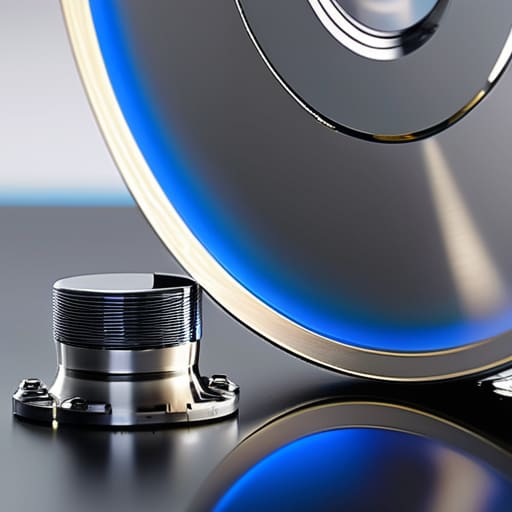
When we talk about magnetic storage media, we aren’t talking about magic; we are talking about physics. At its core, a traditional drive relies on spinning disk drive architecture to function. You have these precision-engineered platters spinning at thousands of revolutions per minute, while an actuator arm moves a tiny head across the surface to read or write data. It’s a marvel of mechanical engineering, but it’s also a moving part. And as I learned back in my manufacturing days, any moving part is a potential point of failure.
The real debate nowadays usually boils down to HDD vs SSD performance. If you’re looking for raw speed to launch a video game or boot up an operating system, the solid-state drive wins every single time. However, if you are building a massive archive of family photos or high-resolution audio files, you shouldn’t overlook the value of a traditional drive. When it comes to long-term storage, the sheer capacity you get per dollar is hard to beat. Just remember: don’t treat a spinning drive like a ruggedized tool; keep it away from vibrations and sudden drops if you want that data to actually stay safe.
Decoding Spinning Disk Drive Architecture Without the Technical Fluff
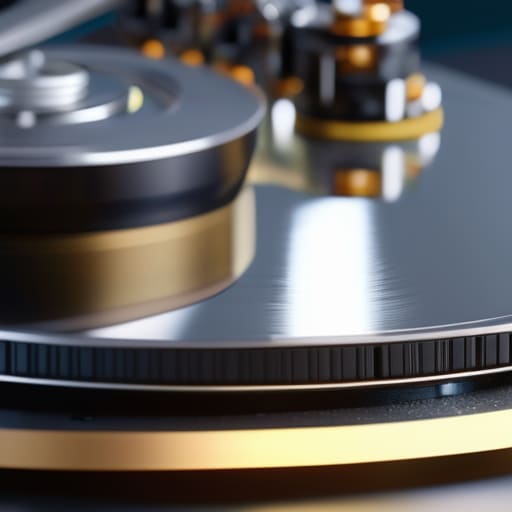
Look, you don’t need to be a computer scientist to understand what’s happening inside that metal box. At its core, spinning disk drive architecture is a marvel of precision engineering, but it’s still a mechanical system. You’ve got magnetic platters spinning at thousands of revolutions per minute, with an actuator arm moving a tiny read/write head across them. It’s a lot like a record player, just much faster and significantly more delicate. If that arm hits a snag or the motor loses its rhythm, you’re looking at a very expensive way to lose your family photos.
When you’re looking at specs, pay attention to how these parts interact. The hard disk drive platter technology determines how much data you can cram into a small space, but it’s the physical movement that dictates your actual experience. This is why you see such a massive gap in HDD vs SSD performance; while a solid-state drive has no moving parts, a spinning drive is always fighting the laws of physics and friction. If you want longevity, you have to respect the fact that these are moving machines, not magic.
Five Rules of Thumb to Keep Your Data from Vanishing
- Stop treating your drive like a bumper car. Mechanical drives rely on physical platters spinning at thousands of RPMs with a read/write head hovering just nanometers above the surface. If you bump your computer case or drop your external drive while it’s running, you aren’t just risking a glitch; you’re risking a head crash that turns your data into scrap metal.
- Check the “Duty Cycle” before you buy. Most cheap drives are built for laptops or occasional use, meaning they aren’t meant to spin 24/7. If you’re setting up a home server or a backup station, look for “Enterprise” or “NAS” rated drives. They’re built with better bearings and thermal management to handle the constant heat and friction of continuous operation.
- Don’t ignore the heat. In my engineering days, we knew that heat was the silent killer of just about every mechanical system. If your hard drive is tucked into a cramped, unventilated corner of your PC, the lubricant in the spindle motor will degrade faster, and the components will expand and contract, leading to premature failure. Keep the airflow moving.
- Beware the “SMR” trap. There’s a technology called Shingled Magnetic Recording (SMR) that manufacturers love because it lets them cram more data onto a disk for less money. The problem? It’s slow as molasses when you’re trying to write large amounts of data because it has to overlap tracks like shingles on a roof. If you’re doing heavy lifting, insist on CMR (Conventional Magnetic Recording).
- Listen to the machine. A hard drive should have a consistent, predictable hum. If you start hearing rhythmic clicking, grinding, or a high-pitched whining that wasn’t there before, don’t wait for a “disk error” message to pop up. That’s the hardware telling you it’s dying. Back up your files immediately and replace the unit before it becomes an expensive paperweight.
The Bottom Line: What to Look for Before You Buy
Stop chasing the highest capacity numbers on the box; if the drive doesn’t have a solid build quality and a reputable manufacturer behind it, you’re just buying a ticking time bomb for your data.
Understand that mechanical drives are physical machines with moving parts, which means they have a shelf life—treat them like any other piece of precision hardware and don’t expect them to run forever without maintenance or backups.
Don’t let the marketing jargon confuse you; focus on the actual mechanical specs and the drive’s intended use case, because a drive built for a server isn’t going to behave the same way in a cheap external enclosure.
The Reality of Moving Parts
“At the end of the day, you have to remember that a mechanical drive is a precision instrument with physical moving parts. You can dress it up with all the software and fancy branding you want, but if the bearings are cheap and the motor is weak, it’s not a storage solution—it’s a ticking clock.”
Roland Delacroix
The Bottom Line on Spinning Disks
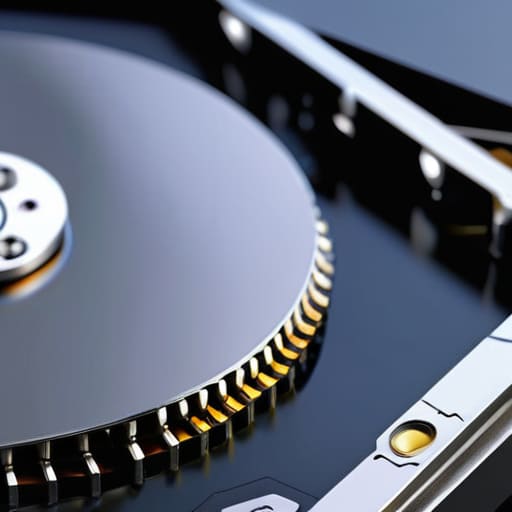
At the end of the day, a mechanical hard drive isn’t a magic box; it’s a precision instrument made of moving parts, platters, and actuators. We’ve covered how the architecture works and why magnetic storage still holds its own for bulk data. If you’re looking for raw speed to run an operating system, you go with an SSD. But if you need to store terabytes of family photos or backup archives without breaking the bank, a well-built HDD is still the smartest tool for the job. Just remember: because these things have physical components, you can’t treat them like indestructible bricks. Respect the mechanics, keep them away from heavy vibrations, and they’ll serve you well for years.
I know the tech world loves to move fast and break things, often pushing us toward the next shiny, expensive piece of silicon. But there is a certain dignity in hardware that follows the laws of physics in a predictable way. Don’t let the marketing hype convince you that “new” always means “better.” Take the time to look at the build quality, understand what’s actually happening inside the casing, and buy for reliability, not for the flashing lights. If you choose your gear with a bit of common sense and a healthy dose of skepticism, you’ll end up with a setup that actually works when you need it most.
Frequently Asked Questions
If these drives have moving parts, how much longer should I expect them to last compared to a solid-state drive?
Look, if you’re asking about longevity, you’re asking the right question. An SSD has no moving parts, so it’s great until the flash cells eventually wear out from too many write cycles. But a mechanical drive? It’s a different beast. If you keep it on a stable desk and don’t bump it, a good HDD can spin reliably for a decade. However, those moving parts are its Achilles’ heel; one hard jar while it’s running, and it’s scrap metal.
Is it actually worth paying a premium for a high-capacity drive, or am I just buying more chances for a mechanical failure?
Look, it’s a trade-off. When you jump to those massive high-capacity drives, you’re dealing with more platters and tighter tolerances, which means more moving parts that can eventually go south. But here’s the reality: buying three cheap, low-capacity drives actually increases your “points of failure” compared to one reliable high-capacity unit. If you buy high-capacity, don’t skimp on the build quality. Buy a reputable brand, and for heaven’s sake, keep a backup.
How much do physical vibrations and heat actually affect the lifespan of a spinning disk in a home setup?
Look, if you think you can just toss a drive into a cheap, rattling PC case and expect it to last, you’re asking for trouble. Vibration is the silent killer; it forces the actuator arm to work overtime just to stay on track, which wears out the motor. As for heat, it’s even worse. Heat thins out the lubricants and stresses the components. Keep your drives cool and your setup steady, or you’re just buying an expensive paperweight.
