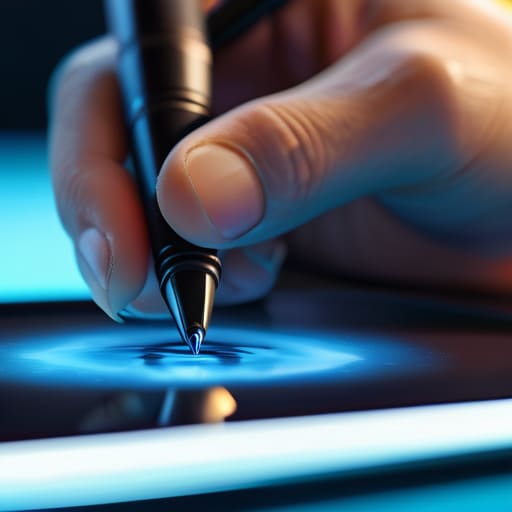
I was sitting at my workbench last Tuesday, trying to sketch out a schematic for a vintage Marantz amplifier, when my finger slipped across the screen of my tablet. I reached for one of those “premium” pens I’d bought online, only to have the tip feel like I was dragging a piece of cheap, hollowed-out chalk across a windowpane. It’s the same story every time: companies slap a high price tag on a piece of junk and call it “precision engineering.” Most of the options out there for a tablet stylus are nothing more than overpriced plastic toys that lag the second you actually try to do something meaningful with them.
I’m not here to sell you on the latest marketing buzzwords or tell you that you need a thousand-dollar setup to draw a straight line. My goal is simple: I’m going to look at the build quality, the pressure sensitivity, and the actual mechanical reliability of these tools so you don’t have to. I’ve spent my career testing hardware that actually had to last, and I’m bringing that same skepticism to this list. I’ll tell you which ones are worth your hard-earned money and which ones belong in the scrap heap.
Table of Contents
Active vs Passive Stylus Technology What Actually Matters
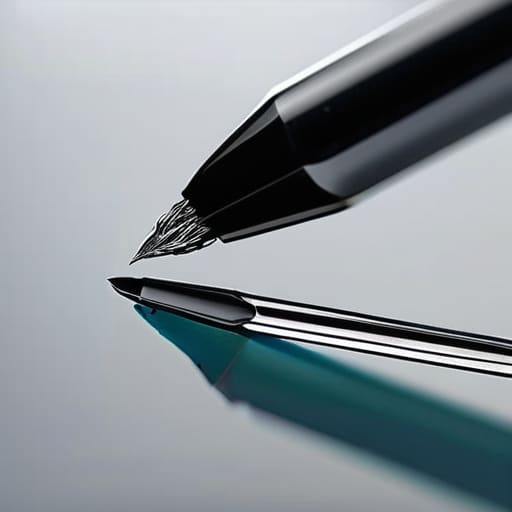
Now, don’t let the marketing departments confuse you with all their jargon. When you’re looking at active vs passive stylus technology, the difference isn’t just about price; it’s about how the device actually communicates with your screen. A passive stylus is essentially just a fancy, rubber-tipped stick. It mimics your finger, which means it lacks any real finesse. If you try to draw a fine line with one, you’re going to end up with a smudge instead of a stroke. It’s fine for tapping a button here or there, but for anything meaningful, it’s just an expensive piece of junk.
If you’re serious about work or art, you need to look for an active option. These pens have their own power source and internal circuitry that allows for pressure sensitivity and tilt detection. This is where you’ll find stylus palm rejection technology, which is a total game-changer. Without it, you’ll be constantly fighting the screen because your hand keeps triggering accidental inputs. If you’re tired of your device acting like it’s possessed every time you try to write a note, get an active pen that actually understands where your hand ends and the tool begins.
Capacitive Stylus vs Precision Pen Dont Get Fooled
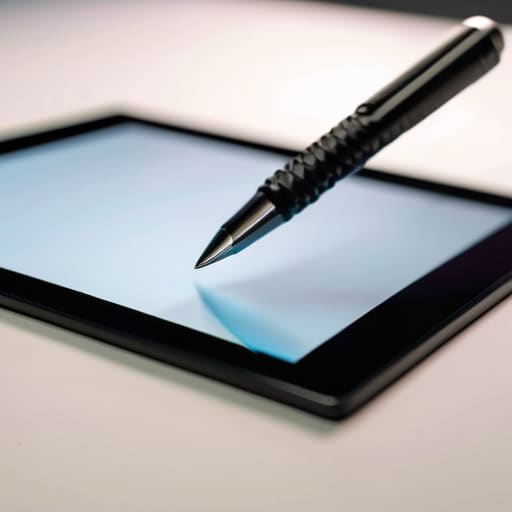
Here is the reality of the situation: most people walk into a shop, see a rubber-tipped stick, and think they’ve found a bargain. That’s a capacitive stylus. It works by mimicking the electrical charge of your fingertip. It’s fine if you just want to tap a button or scroll through a blueprint, but the moment you try to draw a straight line, you’ll realize it’s essentially a glorified finger. There is no nuance, no pressure sensitivity, and certainly no precision. If you’re looking for anything more than a crude pointing device, you’re just buying expensive plastic junk.
If you actually intend to use your device for work or detailed sketching, you need to look at a precision pen. This is where the real distinction in capacitive stylus vs precision pen comes into play. A precision tool communicates directly with the tablet’s digitizer, allowing for features like stylus palm rejection technology. This means you can actually rest your hand on the screen without the device thinking your palm is a giant, messy finger. It’s the difference between using a crayon and using a fine-tipped drafting pencil. Don’t let the marketing fool you; if it doesn’t have that level of control, it isn’t a tool—it’s a toy.
Five Things to Check Before You Open Your Wallet
- Test the pressure sensitivity yourself if you can. If you’re trying to sketch or even just write a note and the line thickness doesn’t change based on how hard you press, you’re looking at a glorified finger replacement, not a tool.
- Don’t get blinded by the brand name alone. Some of these big-name manufacturers charge a premium just for the logo on the side, but if the tip feels like it’s going to snap off the first time you apply real pressure, it’s not worth the markup.
- Check the tip replacement availability. In my experience, the nib is the first thing to wear down. If the company doesn’t sell affordable replacement tips, you’ll end up having to buy a whole new pen in six months just to keep using it.
- Watch out for “phantom touches.” A decent stylus should be precise. If you find the tablet registering marks where you aren’t even touching the screen, the internal sensors are cheap junk and you should send it back immediately.
- Look for actual ergonomics. I’ve spent enough time with a drafting pen to know that if a stylus is too thin or too light, your hand is going to cramp up after twenty minutes of use. It needs some heft and a grip that actually feels solid.
The Bottom Line: Don't Buy Into the Hype
Stop buying those cheap, rubber-tipped “passive” sticks if you actually want to do more than just tap a button; they lack the precision needed for any real work.
If you’re looking at a high-end active stylus, make sure the manufacturer actually supports pressure sensitivity, otherwise you’re just paying for a fancy piece of plastic that won’t perform.
Always check the compatibility list twice before pulling the trigger—there is nothing more frustrating than a “universal” tool that doesn’t actually work with your specific hardware.
The Truth About Precision
I’ve spent enough time looking at schematics to know that if a stylus can’t maintain a consistent connection without you having to press down like you’re trying to dent the screen, it isn’t a tool—it’s a toy.
Roland Delacroix
The Bottom Line
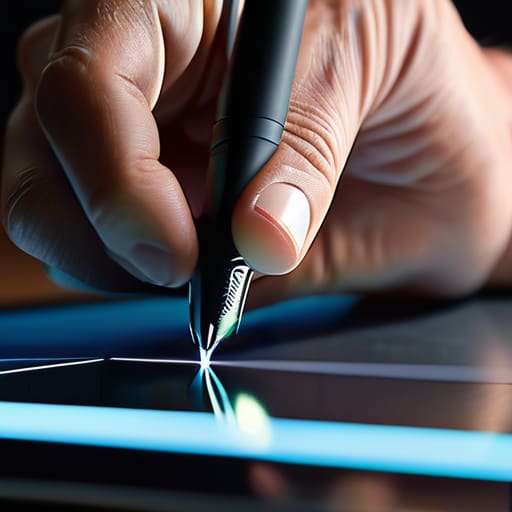
At the end of the day, choosing a stylus isn’t about finding the one with the most bells and whistles or the fanciest marketing department behind it. It’s about matching the tool to the task. If you’re just scrolling through emails or signing a digital document once a month, a cheap passive stylus is all you need; don’t let a salesperson convince you otherwise. However, if you’re actually trying to draw, take detailed notes, or do precision work, you need to invest in an active pen with real pressure sensitivity. Anything less is just going to lead to frustration and wasted time. Remember, build quality and latency are the only metrics that truly matter when you’re sitting down to work.
I’ve seen enough gadgets come and go to know that the “latest and greatest” often falls apart the moment you actually put it to use. Don’t be swayed by the shiny packaging or the high price tag if the hardware feels hollow in your hand. My advice is simple: test the connection, check the tip durability, and make sure it doesn’t feel like a toy. When you find a tool that actually responds to your hand without a second thought, that is a tool worth keeping. Buy something that works, buy it once, and stop chasing every new gimmick that hits the market.
Frequently Asked Questions
Do I really need to pay a premium for a brand-name stylus, or will a cheaper third-party one get the job done?
Here’s the short answer: It depends on what you’re actually doing. If you’re just tapping icons or signing a digital document once a month, save your money and grab a cheap third-party option. But if you’re sketching or doing precise work, that’s where the “expensive plastic” actually earns its keep. Brand-name pens have better pressure sensitivity and won’t lag mid-stroke. Don’t pay a premium for a logo, but don’t pay for junk that fails when you need it.
How long do these active pens actually last before the battery dies or the nib wears down to nothing?
Here’s the reality: an active pen is a liability. If it’s rechargeable, you’re looking at a battery that’ll likely lose its capacity after two or three years of daily use. Once that lithium cell goes, the whole unit is scrap. As for the nibs, they’re consumables. Depending on how hard you press, expect to swap them every few months. It’s one more thing to track in your notebook, but that’s the price of precision.
If I'm just using my tablet for basic notes and signing documents, is an expensive precision pen overkill?
Look, if you aren’t a digital artist or an architect, don’t let the marketing departments bully you into spending $120 on a “precision” pen. If your goal is just scribbling a grocery list or signing a PDF, a decent capacitive stylus or a mid-range active pen will do the job just fine. Don’t pay a premium for pressure sensitivity and tilt support if you’re never going to use them. Save your money.
